Installation
Getting Started
Downloading the App
To use Incontro mobile app, you first have to download it from Google Play store or Apple App store.
- On your device open the store.
- Search for “IncontroMR-Virtual Meeting”.
- Simply download and install the app in your mobile device.
- You can also download the app by simply scanning this QR code through your mobile device.

- Open the IncontroMR-Virtual Meeting App.
You are ready to go!
Sign Up
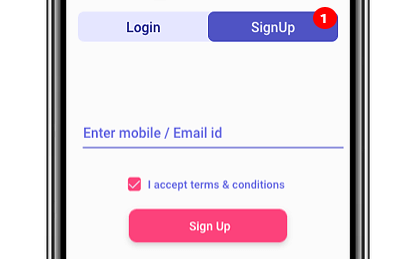
- If you are a new user, click the Sign Up to complete the process. Enter OTP and Password to SignUp.
Login
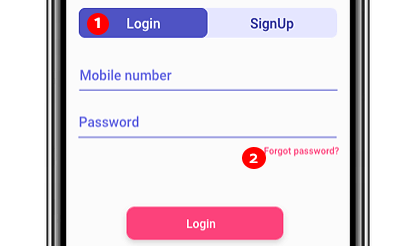
- If you already signed up to the app, simply input your mobile number and Password to Login.
- In case your forgot your password tap the “Forgot password” to recover your account.