Installation
Getting Started
Downloading the App
To use Incontro mobile app, you first have to download it from the link shared to you via marketing team.
- Open the link
- Click on download
- Click on install (in case it asks permission to download from external sources, please follow the instructions on your mobile
You are ready to go!
Login
To login to the app - simply input your login id (shared by your marketing team) and Password to Login.
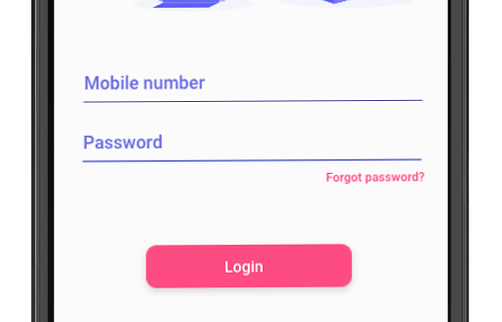
In case you forgot your password, tap the “Forgot password” to recover your account.